
TailFit - Smart Free Transient Shaper & Noise Gate Tool
Shape the hit. Control the tail.
Control sound decay and tighten rhythmic material while helping keep the impact of your transients.
- Windows 10/11 x64
- VST® 3
- 64-bit
- Freeware
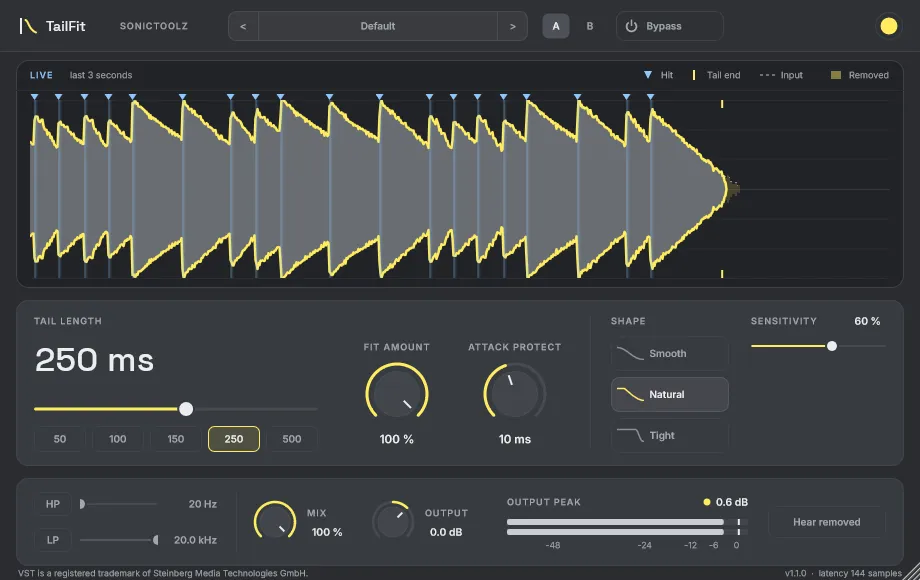
A free transient shaper for the decay and tail of sounds.
TailFit analyses transients and the surrounding audio to control how long sounds remain audible after their initial attacks, while helping preserve the original impact.
It works on individual one-shots as well as on repeating or continuous audio loops. With a short Tail Length and the Tight shape, it cuts each sound off soon after its hit, much as a noise gate plugin would on a drum track. It reacts to hits rather than to a level threshold, and steady background sound well below the hits, such as room tone, is kept.
Controls
Main controls
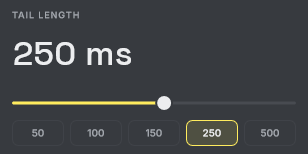
- Tail Length
- Sets the desired duration of the sound's tail.

- Fit Amount
- Sets how strongly tail shaping is applied.
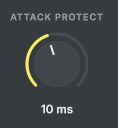
- Attack Protect
- Helps preserve the initial transient and its impact.
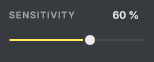
- Sensitivity
- Adjusts how the processor responds to detected transients.
Processing shapes
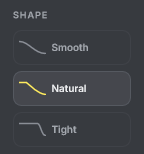
Three shapes for the processed tail.
- Smooth
- Natural
- Tight
Additional processing
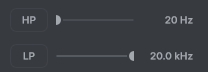
- Input filters
- Independent high-pass and low-pass filters on the input.
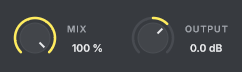
- Mix
- Blends the processed and original signals.
- Output
- Sets the output level.
Where it is useful
TailFit is first of all a free transient shaper: it leaves the start of each hit alone and controls what comes after it. Because it can take a sound down quickly once its tail is over, it can also be used as a noise gate plugin on percussive material, for example to stop toms ringing on or to shorten long kick and snare tails between hits.
- Tightening drums and percussion
- Controlling kick and snare tails
- Reducing overlapping or lingering sounds in rhythmic material
- Shaping bass and synth decay
- Tightening rhythmic loops
- Reducing unwanted sustain between transient events
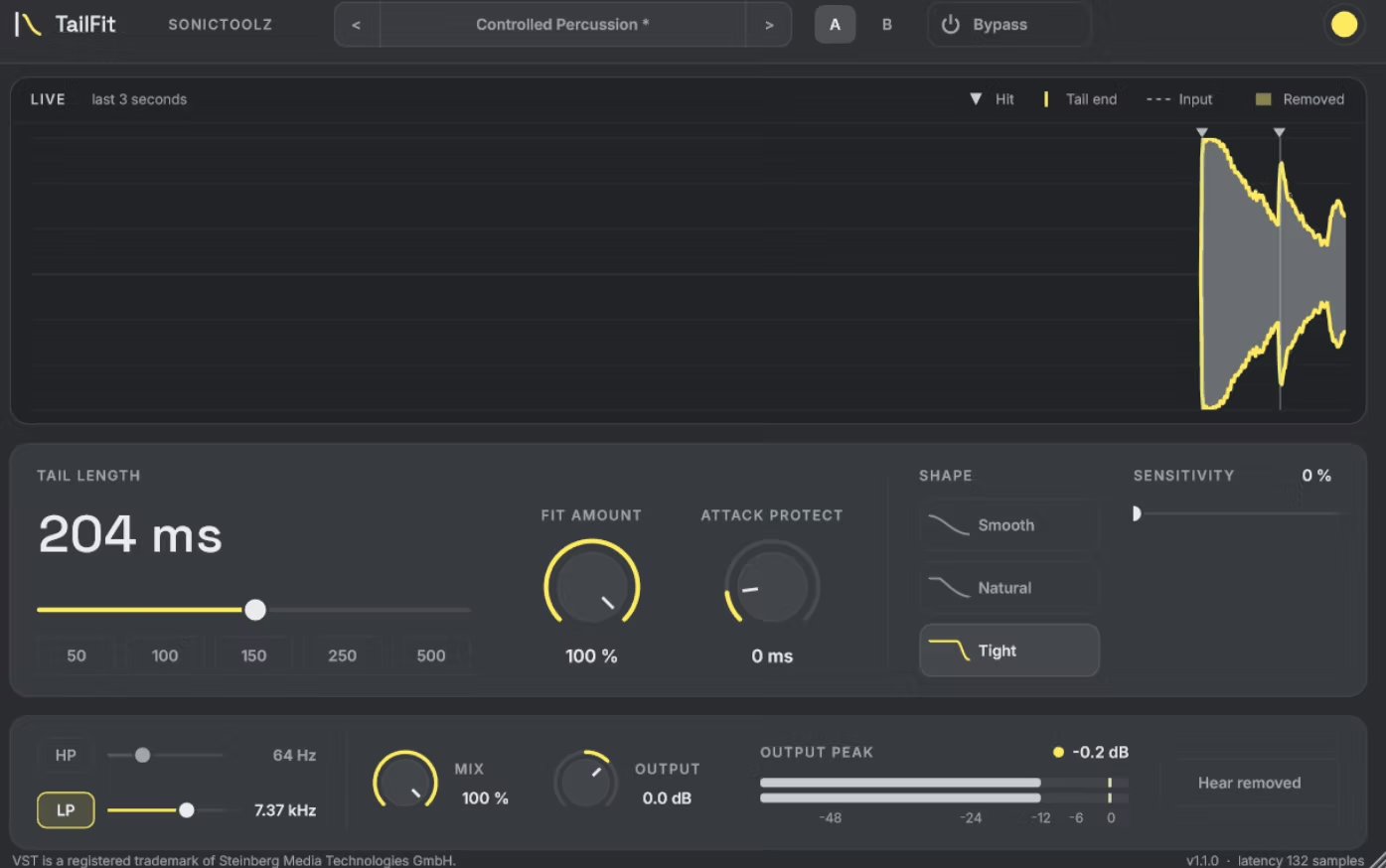
Workflow and interface
- Waveform visualisation
- Peak meter
- Preset management
- A/B comparison
- Plugin bypass
- DAW automation
- Project state saving and restoration
- Adjustable interface scaling
Five accent colours for the interface: Yellow (default), Pink, Green, Cyan and Purple.
Technical information
TailFit 1.1.0 is available for Windows only.

VST is a registered trademark of Steinberg Media Technologies GmbH.
- Version
- 1.1.0
- Plugin format
- VST3
- Architecture
- 64-bit
- Operating system
- Windows 10/11 x64
- Plugin type
- Audio effect
- Installation
- Manual VST3 installation
- Host testing
- Bitwig Studio 6
- Price
- Freeware
Usage terms
- Free to download and use.
- No subscription or purchase required.
- Permitted for personal and commercial music production.
- No royalties on music or audio created with TailFit.
- Proprietary, closed-source software developed by Sonictoolz.
- Plugin format
- VST3
- Architecture
- 64-bit
- Operating system
- Windows 10/11 x64